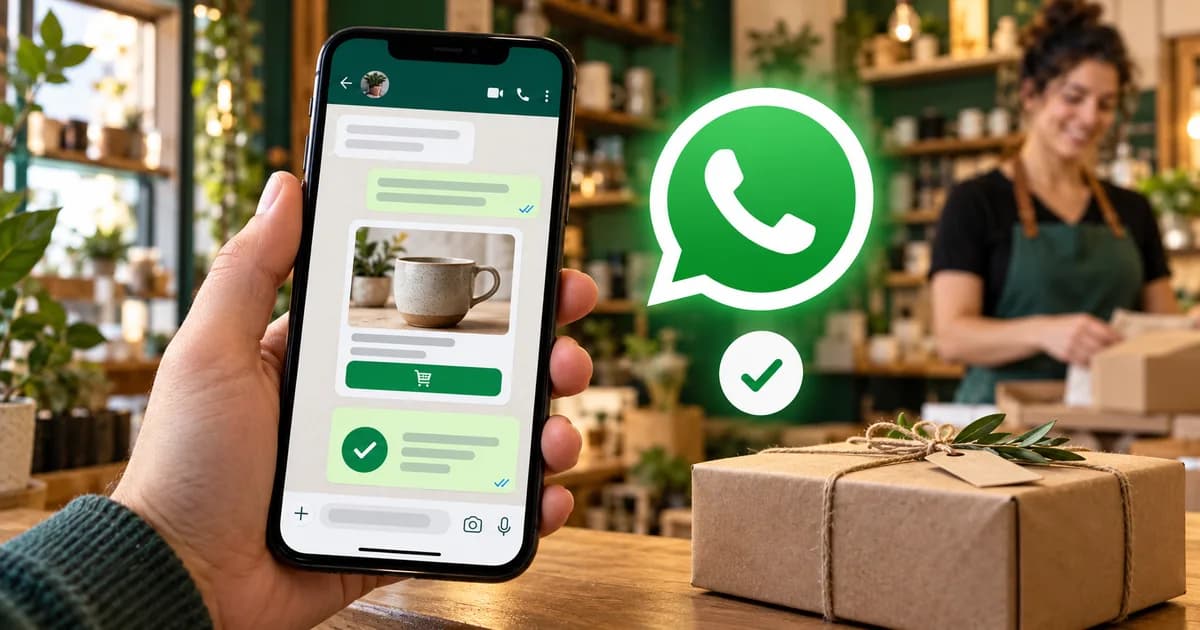
Quick answer: WhatsApp business automation uses workflows and AI agents to send updates, answer customers and book appointments on WhatsApp without anyone typing each message. Small businesses can start with the free WhatsApp Business App's greeting, away and quick-reply tools; growing businesses need the WhatsApp Business Platform (API) to connect WhatsApp to their CRM, store and AI agents.
Your customers already live on WhatsApp. More than 2 billion people use it, and in many countries it's the first place they go to ask a question, check an order or book an appointment.
The problem? Most businesses still answer WhatsApp by hand. Messages pile up after hours, the same questions get typed again and again, and leads go cold while your team is busy.
WhatsApp business automation fixes that. With the right setup, WhatsApp can send order updates on its own, answer common questions instantly, book appointments, qualify leads and pass complex conversations to your team with full context.
This guide covers how WhatsApp automation works, what it costs, what Meta's AI rules allow, the tools you can use, and 10 practical use cases for retail, supermarkets, banking and more.
What Is WhatsApp Business Automation?
WhatsApp business automation means using software (rules, workflows and AI agents) to send and answer WhatsApp messages without a person typing each one.
It usually covers three things:
- Automatic notifications: order confirmations, delivery updates, payment reminders, appointment reminders.
- Automatic replies: answering FAQs, checking order status, collecting details, booking slots.
- Smart handoff: passing the conversation to a human when it's sensitive or complex, with the full chat history attached.
Done well, customers get answers in seconds, and your team only handles the conversations that actually need a person.
WhatsApp Business App vs WhatsApp Business Platform (API)
There are two ways to use WhatsApp for business, and only one is built for real automation.
| WhatsApp Business App | WhatsApp Business Platform (API) | |
|---|---|---|
| Best for | Small shops, solo owners | Growing and larger businesses |
| Cost | Free | Pay per message (some messages free) |
| Users | A few devices on one number | Unlimited agents and systems on one number |
| Automation | Basic: greeting, away message, quick replies | Full: workflows, AI agents, CRM and system integrations |
| Bulk messages | Limited broadcast lists | Approved templates to opted-in customers at scale |
| Integrations | Very limited | Connects to CRM, helpdesk, e-commerce, ERP, payments |
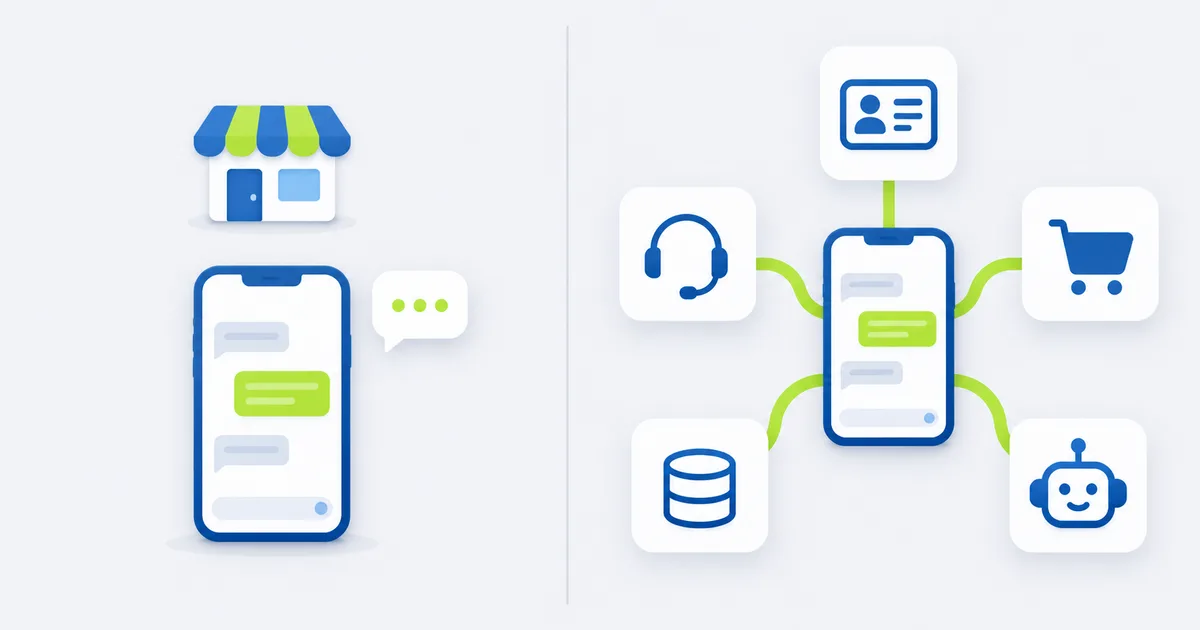
Rule of thumb: if you get more than about 20 chats a day, need more than one person answering, or want WhatsApp connected to your other systems, you need the WhatsApp Business Platform.
How to Automate the Free WhatsApp Business App
If you're a small business on the free WhatsApp Business App, you can still automate the basics in a few minutes. Open the app and go to Settings → Business tools:
- Greeting message: sent automatically when a new customer messages you for the first time, or after 14 days of no contact.
- Away message: sent outside your business hours, so customers know when you'll reply.
- Quick replies: save answers to common questions and insert them by typing / plus a shortcut (for example /hours or /price).
- Labels: tag chats as New customer, Pending payment or Order complete to keep track.
- Catalog: show products and prices inside the chat so customers can browse without leaving WhatsApp.
These features help, but they can't connect to your CRM or store, can't handle many agents at once, and can't run an AI agent on your own systems. When you outgrow them, move to the WhatsApp Business Platform.
How WhatsApp Automation Works
On the WhatsApp Business Platform, every message your business sends falls into a category. Knowing them is key to planning both your automation and your costs.
Template messages (pre-approved by Meta, can be sent any time to opted-in customers):
- Marketing: offers, new arrivals, re-engagement, abandoned cart reminders
- Utility: order confirmations, delivery updates, payment reminders, account alerts
- Authentication: one-time passwords (OTPs) and login codes
Non-template messages (free-form replies, only inside the 24-hour customer service window that opens when a customer messages you):
- Service: answers to customer questions, support replies, AI agent responses
The 24-hour rule: when a customer messages you, a 24-hour window opens. Inside it, you (or your AI agent) can reply freely. Outside it, you can only start a conversation with an approved template.
What WhatsApp Automation Costs
Meta charges per message delivered, based on the message category and the customer's country. Messages customers send to you are free.
- Marketing, utility and authentication templates are charged per message. Marketing costs the most; utility and authentication are much cheaper and get volume discounts as you send more.
- Service replies: the first 1,000 service messages per business phone number each month are free. Service messages beyond that free tier are charged.
- Utility messages inside an open customer service window are charged, just like other utility messages.
- Click-to-WhatsApp ads: when a customer starts a chat from one of your ads and you reply in time, a free entry point window of up to 7 days opens, and template and service messages in that window are free.
- Meta Business Agent replies (Meta's own AI agent) are charged by usage, about $2 per million tokens or roughly 4–5 cents per message, with no free tier.
- Meta only changes prices on January 1, April 1, July 1 and October 1, so budget reviews once a quarter are enough.
What this means: design your automation to resolve questions in as few messages as possible, use utility templates for transactional updates instead of marketing ones, and use Click-to-WhatsApp ads when you want low-cost conversations at scale.
Meta's AI Rules: What's Allowed
Meta's terms block general-purpose AI assistants (open-ended chatbots that answer anything on any topic) from being offered as the main product on the WhatsApp Business Platform.
Business AI agents are still allowed. An AI agent that handles your customer service, order questions, bookings or lead qualification is exactly what the platform is for. In practice, keep your AI agent:
- Focused on your business, products and services
- Grounded in your own data (catalog, policies, order system)
- Connected to a human for anything sensitive or complex
Meta Business Agent vs a Custom AI Agent
Meta has made its own AI agent, Meta Business Agent, available to businesses worldwide on WhatsApp, Instagram and Messenger. It can answer questions about your business, recommend products, book appointments, qualify leads and hand off to a person.
So should you use Meta's agent or build your own?
| Meta Business Agent | Custom AI agent | |
|---|---|---|
| Setup | Fast, inside Meta's tools | Takes a few weeks to build |
| Knows about | What you give it in Meta's setup | Your live systems: orders, stock, bookings, CRM, accounting |
| Can take actions in | Meta's apps | Any system with an API: refunds, bookings, ticket updates |
| Channels | WhatsApp, Instagram, Messenger | WhatsApp plus email, website chat, phone and internal tools |
| Control | Meta's rules and settings | Your own guardrails, logs and approval steps |
| Cost | Per token, charged by Meta | Build cost + model usage + WhatsApp message fees |
Rule of thumb: Meta Business Agent is a good start for simple Q&A and bookings. A custom agent makes sense when WhatsApp has to work with your real operations: checking orders, updating your CRM, following your approval rules and covering more channels than Meta's apps.
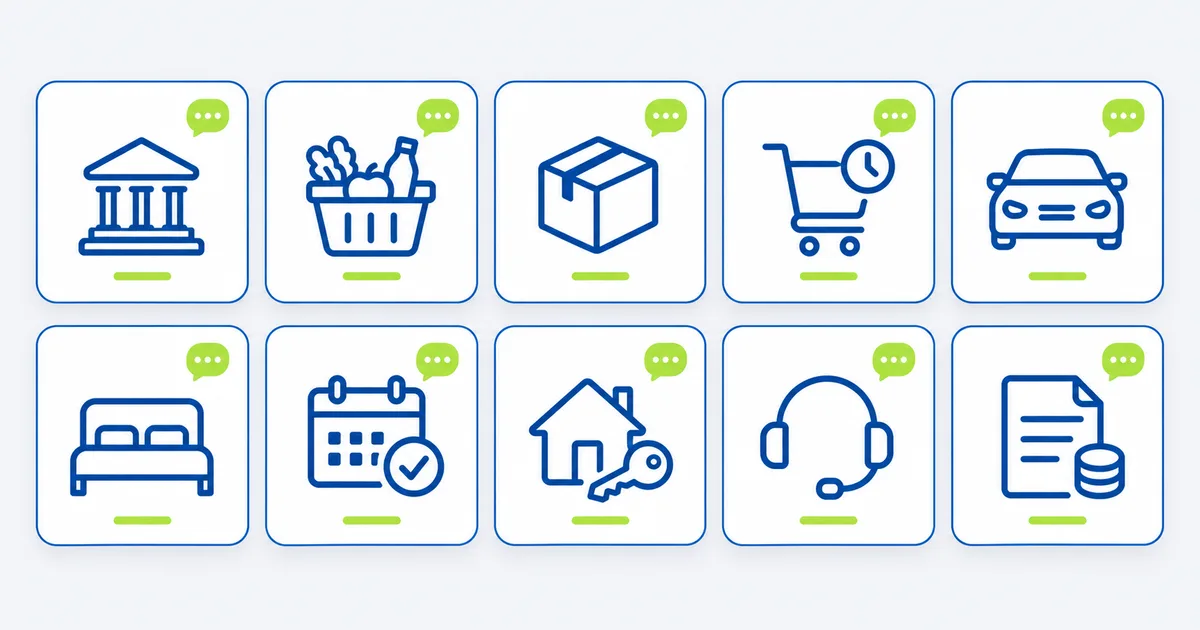
10 WhatsApp Business Automation Use Cases
Example use cases: illustrative workflows showing what businesses can automate.
1. Banking and Financial Services
Banks, lenders and fintechs use WhatsApp for fast, secure updates customers actually read:
- Transaction and low-balance alerts (utility templates)
- OTP and login codes (authentication templates)
- Loan application status updates and missing-document requests
- KYC document collection: customers send a photo of their ID, and the workflow checks it's readable and files it
- An AI agent that answers FAQs ("What's my card limit?", "How do I block my card?") and hands off to an agent for disputes or fraud
Tip: never ask for full card numbers, PINs or passwords on WhatsApp. Route sensitive actions to your secure app or a verified agent.
2. Supermarkets and Grocery Stores
Grocery is one of the best fits for WhatsApp:
- Order on WhatsApp from a catalog or a typed shopping list, with the AI agent matching items to products and building the cart
- Substitution approvals ("Brand X is out of stock. OK to swap for Brand Y?") with one-tap replies
- Delivery slot booking and "driver is 10 minutes away" alerts
- Weekly offers to customers who opted in, based on what they usually buy
3. Retail and E-commerce Order Updates
The most common question in retail is "Where is my order?" Automate it:
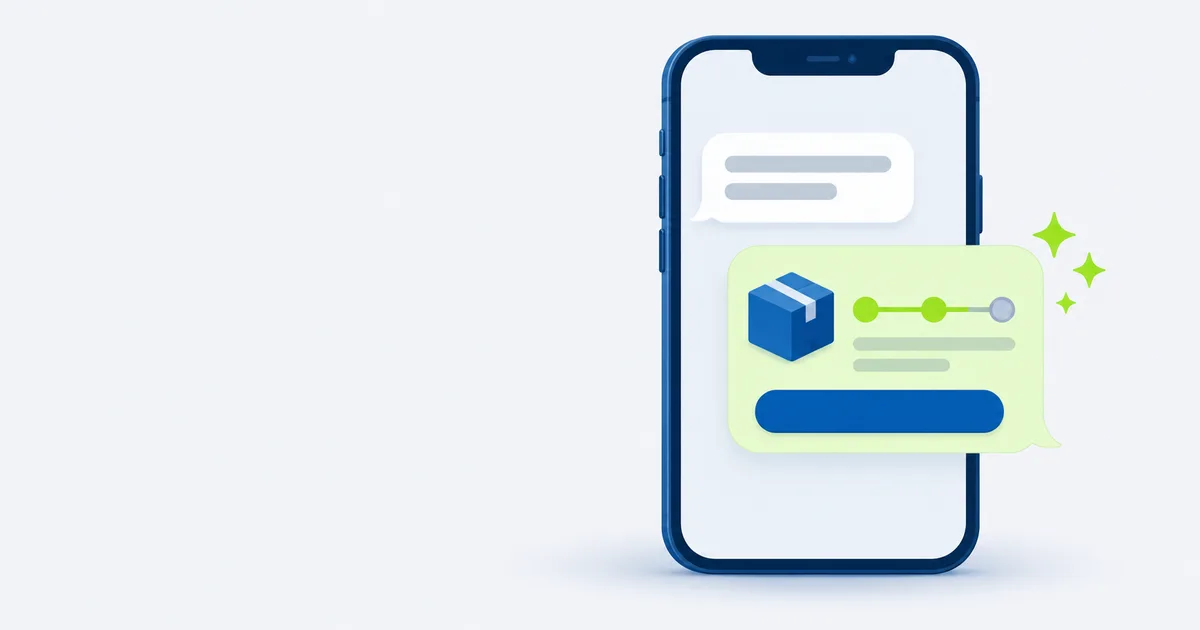
- Order confirmation, shipped, out for delivery and delivered updates
- "Where's my order?" answered instantly from your store or shipping system
- Returns and exchanges started in chat, with the label sent automatically
4. Abandoned Cart and Back-in-Stock Reminders
A reminder on WhatsApp is far more visible than an email in a crowded inbox. Send a friendly marketing template to opted-in shoppers who left items in their cart, or let them know when a product is back in stock, with a direct link to buy.
5. Car Dealerships and Automotive
- After-hours lead qualification: an AI agent answers questions about a model, captures budget and trade-in details, and books a test drive
- Service reminders based on mileage or date, with one-tap booking
- "Your car is ready for pickup" updates and invoice links
6. Hotels and Travel Bookings
An AI agent connected to your booking system can check availability, quote prices, collect guest details and send a payment link, so guests can book a room directly through WhatsApp. After booking: pre-arrival info, early check-in requests and checkout reminders.
7. Clinics and Appointment-Based Services
Clinics, salons, gyms and consultants can let customers book, reschedule or cancel appointments in chat, and send automatic reminders that cut no-shows. Keep medical questions with your staff; the bot handles scheduling and logistics.
8. Real Estate Lead Capture
When someone asks about a listing, the AI agent replies instantly with details and photos, asks qualifying questions (budget, area, move-in date) and books a viewing, then logs everything in your CRM for the agent.
9. Customer Support With Zendesk or Your Helpdesk
WhatsApp works best when it's part of your support system, not separate from it. With a Zendesk WhatsApp integration (or Intercom, Freshdesk and similar):
- Every WhatsApp chat becomes a ticket with the customer's history
- The AI agent resolves repetitive questions first
- Complex chats are routed to the right team, with a summary so agents don't ask the same questions twice
10. Invoices and Payment Reminders (B2B)
For B2B companies, WhatsApp is a fast way to send invoices, polite payment reminders before and after the due date, and payment links, with replies like "already paid" or "need more time" logged straight into your accounting or CRM.
How to Set Up WhatsApp Business Automation (Step by Step)
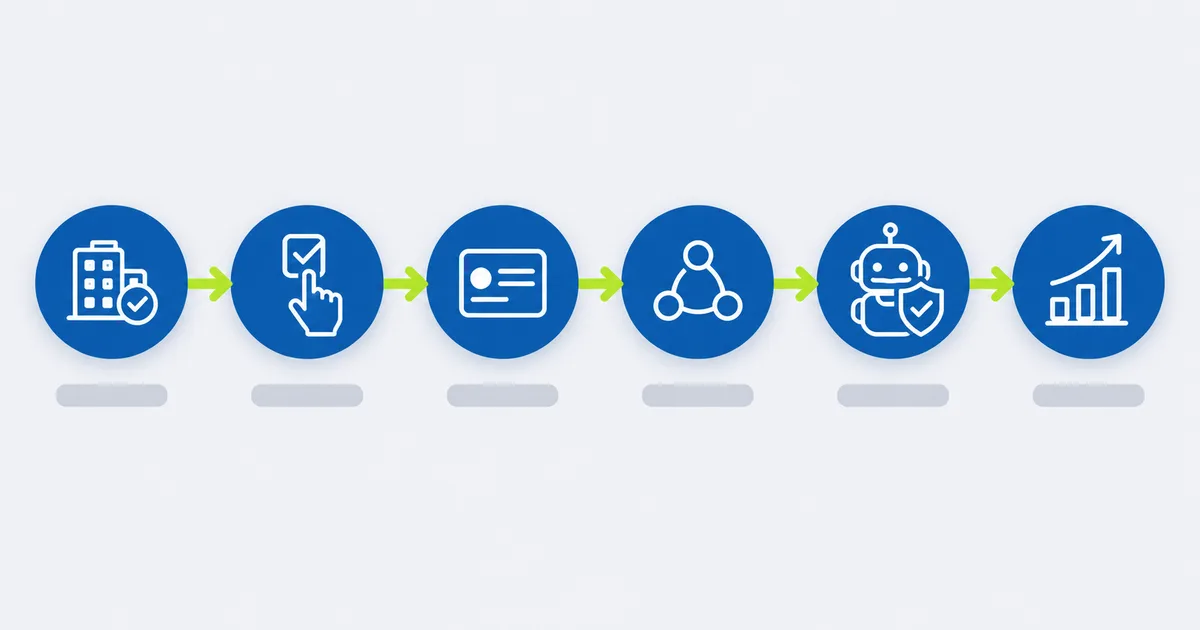
Step 1: Create Your WhatsApp Business Account on the Platform
- Create (or use) a Meta Business portfolio for your company.
- Verify your business with your legal details.
- Add a phone number that isn't already used on the regular WhatsApp app (or migrate it).
- Set your display name and profile: logo, description, website, hours.
You can connect directly through Meta's Cloud API or through a WhatsApp Business Solution Provider.
Step 2: Collect Opt-ins
Only message customers who agreed to hear from you on WhatsApp. Add a checkbox at checkout, a "Chat with us on WhatsApp" button on your site, or a QR code in store.
Step 3: Create and Submit Message Templates
Write templates for your key notifications (order shipped, appointment reminder, payment due). Keep them clear and useful, choose the right category, and submit them for approval.
Step 4: Build the Workflows
Connect WhatsApp to your systems (CRM, store, booking tool, helpdesk, accounting) using an automation platform like n8n or Make, or custom code for complex setups. Each workflow listens for an event (new order, new message) and takes action.
Step 5: Add an AI Agent With Guardrails
Train the agent on your own content: FAQs, policies, catalog and order data. Set clear rules:
- What it can answer and what it must hand off
- Confidence thresholds: if unsure, escalate
- Human approval for refunds, cancellations or anything financial
- Full logs of every conversation
Step 6: Test, Launch and Improve
Test with your own team first, launch to a small group, then watch the numbers: response time, resolution rate, handoff rate, opt-outs and cost per conversation. Improve the weak spots every few weeks.
WhatsApp Automation Tools: Which Option Fits?
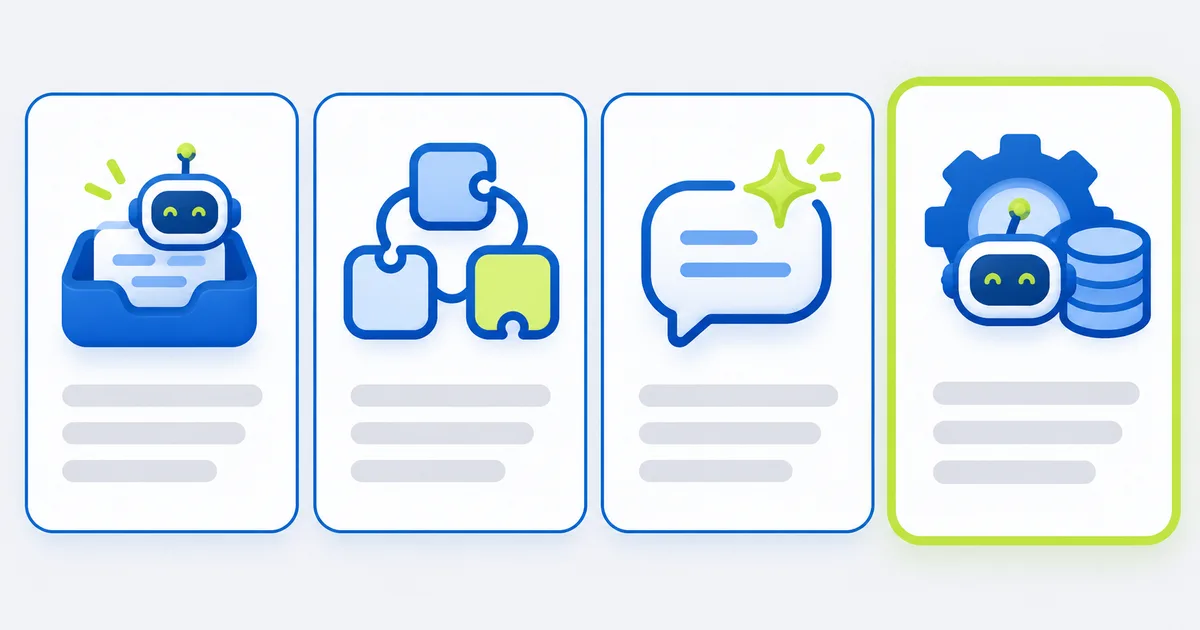
There are four main ways to automate WhatsApp on the Business Platform:
| Option | Examples | Best for | Watch out for |
|---|---|---|---|
| No-code chatbot builders and shared inboxes | WATI, AiSensy, ManyChat | Small teams that want broadcasts, simple bots and a shared inbox fast | Monthly fees on top of Meta's message fees; limited deep integrations |
| Workflow connectors | Zapier, Make, n8n | Connecting WhatsApp to Google Sheets, Shopify, CRMs and other apps | Need someone to build and maintain the workflows |
| Meta Business Agent | Meta's own AI agent | Quick AI answers and bookings inside Meta's apps | Less control and fewer system connections |
| Custom AI agent | Built on the WhatsApp Cloud API + your systems | Businesses that need AI connected to orders, CRM, helpdesk and approvals | Higher upfront build effort |
Many businesses combine them: a shared inbox for the team, n8n workflows for order updates and a custom AI agent for support.
Best Practices for WhatsApp Automation
- Be useful, not noisy. Every message should help the customer. Too many promos lead to blocks, which lower your quality rating and messaging limits.
- Always offer a human. A clear "Talk to a person" option builds trust.
- Use the right template category. Transactional updates belong in utility, not marketing.
- Personalize with real data: name, order number, appointment time.
- Keep messages short and use buttons and lists instead of long text.
- Respect quiet hours and local regulations for marketing messages.
- Measure everything: resolution rate, handoff rate, opt-outs and cost per resolved conversation.
Is WhatsApp Automation Legal?
Yes, when you use the official tools and follow the rules. Automating WhatsApp is allowed when you:
- Use the WhatsApp Business App or the WhatsApp Business Platform (directly or through an official provider)
- Only message customers who opted in
- Follow WhatsApp's Business Messaging and Commerce policies
- Respect data protection and marketing laws in your customers' countries
What's not allowed: unofficial tools, browser extensions or "bulk senders" that automate a personal WhatsApp number or bypass the official platform. They break WhatsApp's terms, and the number can be banned.
Common Mistakes to Avoid
- Messaging people who never opted in
- Using the free Business App for a job that needs the Platform
- A bot with no way to reach a human
- An AI agent that answers from general knowledge instead of your own data
- Asking for passwords, PINs or full card numbers in chat
- Ignoring Meta's latest pricing changes when budgeting
- Using unofficial bulk-sending tools that get your number banned
How BaruzoTech Helps With WhatsApp Automation
Setting up WhatsApp is the easy part. Making it work with your real operations (your CRM, store, booking system, helpdesk and accounting) is where most businesses get stuck.
BaruzoTech designs and builds WhatsApp AI agents and automations that:
- Resolve repetitive questions across WhatsApp, email and chat
- Connect to the tools you already use, without rip-and-replace
- Hand off to your team with full context when it matters
- Ship with guardrails: confidence thresholds, human approval for sensitive actions and full audit logs
Want to see what WhatsApp could handle for your business? Book a free systems call → You'll hear back within one business day with an honest take on what's worth automating.
Frequently Asked Questions
How can I automate my WhatsApp Business?
On the free WhatsApp Business App, use greeting messages, away messages, quick replies, labels and a catalog under Settings → Business tools. For full automation (workflows, AI agents and integrations with your CRM or store) use the WhatsApp Business Platform (API).
What does WhatsApp automation do?
It sends messages and answers customers without a person typing each one: order and appointment updates, instant FAQ answers, bookings, lead qualification and handoff to your team when needed.
Is WhatsApp automation legal?
Yes, when you use the official WhatsApp Business App or Business Platform, message only customers who opted in, and follow WhatsApp's business policies and local laws. Unofficial bulk-sending tools break WhatsApp's terms and can get your number banned.
Can I automate a WhatsApp message?
Yes. The Business App can send automatic greeting and away messages. On the Business Platform, you can send approved template messages automatically when something happens (a new order, a booking or a payment due) using workflow tools or custom code.
What is Meta Business Agent?
Meta Business Agent is Meta's own AI agent for businesses on WhatsApp, Instagram and Messenger. It answers questions, recommends products, books appointments, qualifies leads and hands off to a person. Its replies are charged by usage.
Is WhatsApp Business automation free?
The WhatsApp Business App is free but only offers basic automation. The WhatsApp Business Platform charges per message by category and country. The first 1,000 service messages per business number each month are free, and messages customers send you are always free.
Can I use an AI chatbot on WhatsApp Business?
Yes. Business AI agents that handle your customer service, orders, bookings or sales are allowed. Meta's terms block general-purpose AI assistants that answer anything on any topic as the main product.
How do I create a WhatsApp Business account for automation?
Create a Meta Business portfolio, verify your business, add a phone number, set your display name and connect through Meta's Cloud API or a Business Solution Provider. Then create message templates and connect your workflows.
Can WhatsApp integrate with Zendesk or my CRM?
Yes. WhatsApp can connect to Zendesk, Intercom, HubSpot, Salesforce and most CRMs or helpdesks, either through native integrations or through automation tools like n8n and Make.
Is WhatsApp safe for banks and financial services?
WhatsApp messages are end-to-end encrypted and widely used by banks for alerts, OTPs and support. Never collect PINs, passwords or full card numbers in chat, and route sensitive actions to secure channels or verified agents.
Are WhatsApp service messages free?
The first 1,000 service messages per business phone number each month are free. After that they're charged, and utility messages sent inside an open customer service window are charged too.
How long does it take to set up WhatsApp automation?
A focused first use case, like order updates or FAQ replies, can usually go live in 2–4 weeks, including business verification, template approval, integration and testing.
Related reading: What is Claude Cowork? · Claude Code Skills: the complete guide · AI voice agent services for businesses