ApparelAI - AI Model Photoshoot
Turn flat-lay, hanger, mannequin and supplier images into realistic, ecommerce-ready model photos.
View detailsUse
Find a look, copy the prompt - and make it your own.
Prompt Fall is a curated directory of AI-generated images shown next to the exact prompts that made them. Instead of guessing at wording, you browse for a look you like, open it, and copy the prompt that produced it.
Many prompts are templates with the specific parts left blank, so you can drop in your own subject and paste the result straight into ChatGPT, Midjourney or Gemini. There is no account to create, and anything you save works offline.
400 curated prompts across 8 categories, with new drops every week. Every image carries the prompt behind it, so what you see is what you can reproduce.
Explore. Scroll categories and trends to find a style worth stealing.
Search. Jump straight to a subject, style or model when you know what you want.
Saved. Keep the prompts you return to, organised into your own collections.
Fill in the blanks. Templates leave the specific parts bracketed, so you swap in your own subject and keep the style.
Model-aware. Every prompt names the model it was written for, so you know what to paste it into.
Five taps to clipboard. From opening the app to a finished prompt on your clipboard.
Works offline. Saved prompts and collections live on your device and are there without a connection.
No account, no login and no analytics tracking. Your saved prompts and collections stay on your device.
Browse the categories or search for the style, subject or model you have in mind.
Every image shows the exact prompt that made it, along with the model it was written for.
Swap the bracketed parts for your own subject, copy, and paste it into your AI tool of choice.
Yes. Browsing, searching, copying and filling prompts are all free.
No. There is no account or login, and the app does not track you.
Every prompt names the model it was written for, so you can paste it into the right tool - ChatGPT, Midjourney or Gemini among others.
Many prompts leave the specific parts in brackets. You replace them with your own subject and keep the style that produced the image.
Saved prompts and collections live on your device, so they are available without a connection.
Need help? Visit support · info@baruzotech.com
Turn flat-lay, hanger, mannequin and supplier images into realistic, ecommerce-ready model photos.
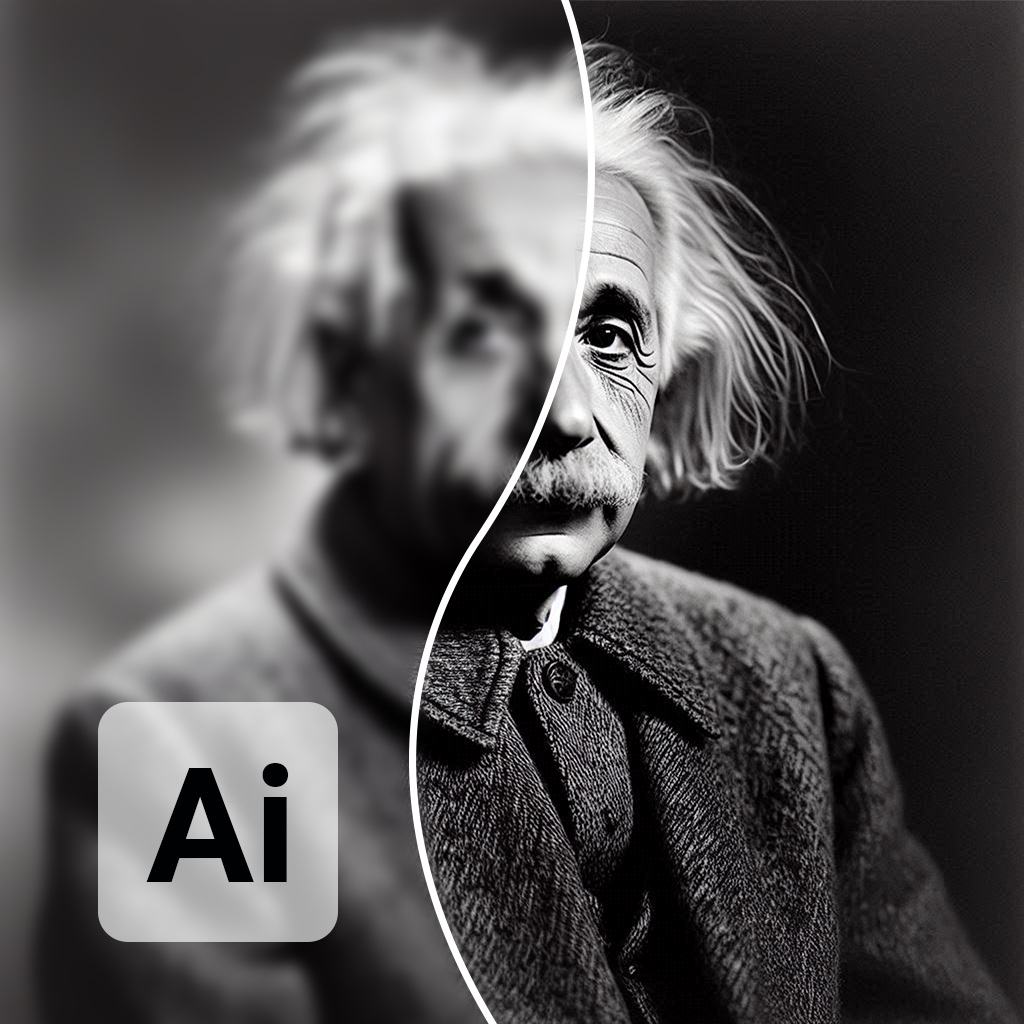
AI photo restoration - restore and enhance old or damaged photos in seconds.
Track habits from your home screen with heatmap and calendar widgets - one tap to mark a day done.
These are our own products - the same patterns we build into custom AI systems for clients. Tell us what you need and we'll map it out.